Getting Started
Do I need an account to create a short link?
You can create short links as a Guest directly from our homepage. However, Guest links expire automatically after 60 minutes to prevent abuse.
To keep your links active permanently, customize them, and track clicks, you need to create a free account.
How do I register and log in?
Click on the Sign Up button in the top right corner. You only need a valid email address and a secure password. Once registered, you will be redirected to your personal Dashboard.
Link Management & Branding
How do I create a custom alias (branded link)?
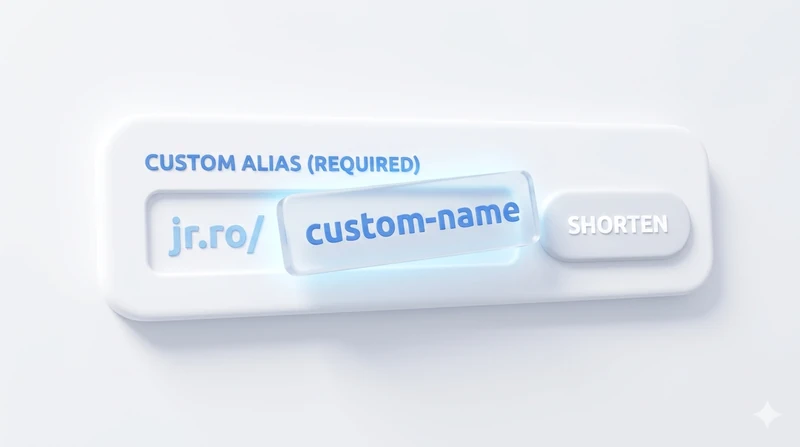
Instead of a random string (like jr.ro/xY8zQ), you can create branded aliases (like jr.ro/summer-sale).
In your Dashboard, when shortening a new URL, look for the Custom Alias field. Type your desired name. If it's available and meets the minimum length requirement for your plan, it will be assigned to your link.
What is the Bulk Shortener?
The Bulk Shortener allows you to paste multiple long URLs at once (one per line) and generate short links for all of them instantly. This feature is perfect for marketing campaigns where you have dozens of product links to process.
How do I get a QR code for my link?
Every link generated on Just Right Analytics comes with a high-resolution QR code automatically. Just click the QR button next to any link in your dashboard to view, download, or share it.
Traffic Intelligence & Audit
What data do you track when someone clicks my link?
We provide enterprise-grade "Traffic Intelligence". When a user clicks your link, we securely and anonymously track:
- Location: Country and City.
- Technology: Operating System (iOS, Android, Windows) and Browser.
- Referrers: Where the click came from (e.g., Facebook, Twitter, Direct email).
- Time: Exact timestamp of the click.
How do I view my charts and analytics?
Log into your account and navigate to your Dashboard. Click the Stats icon next to any specific link. You will see interactive charts, maps, and a complete audit log of your traffic.

Billing, Plans & API
How do I upgrade my plan or switch to Annual billing?
Go to the Pricing page or click Upgrade in your account settings. We offer both Monthly and Annual billing (which saves you up to 20%). Payments are securely processed via our integrated payment gateway.
What happens if I reach my monthly link limit?
If you hit the maximum number of links allowed by your current plan, you will not be able to create new ones until the next billing cycle. However, all your existing links will continue to work and track unlimited clicks.
I am a developer. Do you have an API?
Yes! We offer a fully-featured RESTful API. You can generate your private API Key from your Account Settings. For endpoints, parameters, and code examples, please refer to our Developer API Documentation.